How to Build a Mobile App Without Wasting Money

Most mobile app projects don't fail because the idea was bad.
They fail because the business started building before they finished thinking. Scope grew. Timelines slipped. The development partner was switched halfway through. The app launched, nobody used it, and $80,000 quietly disappeared.
This isn't rare. It's the default outcome when businesses treat app development as a procurement exercise rather than a product decision.
This guide covers the specific mistakes that drain app budgets - and what to do instead at each stage.
Why Most App Projects Go Over Budget
Before you can avoid the pitfalls, you need to understand where the money actually goes.
The most common budget killers aren't what people expect. It's rarely a rogue developer or a dishonest agency. The real culprits are:
Undefined scope that keeps expanding as the project moves forward
Wrong platform choice that forces expensive rewrites later
Skipping discovery and jumping straight into design and code
Underestimating post-launch costs like maintenance, updates, and fixes
Hiring for the lowest hourly rate instead of the right fit
Each of these has a fix. Here's what they look like in practice.
Mistake #1: Trying to Build Everything in Version One
This is the single biggest driver of wasted spend in app development.
A business has an idea. The idea grows. Features get added. "While we're at it, let's also add…" becomes the most expensive phrase in software development.
By the time development starts, the scope has doubled from the original concept - and so has the budget.
The fix: start with an MVP.
An MVP (minimum viable product) is the smallest version of your app that still delivers real value to real users. Not a prototype. Not a wireframe. A working product with the one or two features that actually matter.
The goal of an MVP isn't to cut corners. It's to learn before you commit. Build the core, put it in front of users, collect feedback, then build what they actually want - not what you assumed they'd want.
This approach doesn't just save money in the short term. It protects you from the much larger cost of building a full product in the wrong direction.
Rule of thumb: If you can't describe your app's core value in one sentence, your scope is already too wide.
Mistake #2: Choosing the Wrong Platform Too Early
One of the earliest decisions in any app project - iOS only, Android only, or both - has a disproportionate impact on total cost.
Here's how the math usually works:
The mistake businesses make is assuming native always means better, so they commission full native iOS and Android builds from day one - paying for two codebases when they could have launched on both platforms for significantly less.
The fix: unless your app needs deep hardware integration (AR, Bluetooth, complex camera functionality), cross-platform development delivers near-identical user experience at lower cost and faster timelines. It's the right default for most small and mid-sized business apps.
The caveat: this decision should be made with your development partner based on your specific use case - not based on what sounds most impressive.
Mistake #3: Skipping the Discovery Phase
Discovery is the part of the process where you define what you're building, why, who for, and how success will be measured - before any design or engineering work begins.
Most businesses skip it because it doesn't feel like progress. Nothing visible gets produced. No screens get designed. No code gets written. It feels like paying for meetings.
It is the most important money you spend on an app project.
Here's why: every hour spent in discovery saves three to five hours in development. Every ambiguity that gets resolved before engineering begins avoids the far more expensive ambiguity that gets discovered during engineering.
What a proper discovery phase produces:
A clear problem statement and target user definition
A prioritized feature list (what's in v1, what's deferred)
Platform and technology decisions with documented rationale
A realistic project timeline with milestones
A budget range you can actually rely on
Defined KPIs that tell you whether the app is working after launch
If a development partner is willing to skip discovery and go straight to building, that's a signal — not a benefit.
Mistake #4: Treating UI/UX Design as Optional
Design is not cosmetic. It is a functional component of your app.
A confusing onboarding flow will cause users to abandon the app before they understand what it does. A poorly structured navigation will generate support tickets. An inconsistent interface will erode trust in your brand.
The financial impact of poor UX isn't always visible immediately - but it shows up in App Store ratings, user retention numbers, and customer support costs.
What good UI/UX design actually costs you: a few extra weeks and budget at the start of the project.
What bad UI/UX design actually costs you: lost users, poor reviews, and a redesign cycle that is always more expensive than getting it right the first time.
The right sequence is: define the problem → design the solution → validate with users → build. Not: build → discover the problems → redesign.
Mistake #5: Ignoring Post-Launch Costs
This is the one that surprises most first-time app owners.
Launching your app is not the end of the financial commitment. It is the beginning of an ongoing one.
Here is what happens after an app goes live:
Operating system updates (iOS and Android release major updates annually) can break existing functionality if not addressed
Security vulnerabilities are discovered in third-party libraries and need to be patched
User feedback reveals features that need fixing or UX flows that need redesigning
App Store policies change, sometimes requiring app updates to maintain listing status
Backend infrastructure costs (hosting, databases, APIs) are ongoing monthly expenses
A realistic budget for app maintenance is typically 15–20% of the original development cost per year. An app that costs $100,000 to build will cost $15,000–$20,000 per year to keep healthy. This is not optional - it's the cost of keeping software in production.
The fix: budget for maintenance before you build. And choose a development partner who will still be available after the invoice is paid.
Mistake #6: Hiring on Price Alone
The cheapest quote is almost never the best value.
This isn't a defense of overpriced agencies. It's a pattern observed across thousands of app development projects: the lowest-cost option frequently leads to the highest total spend — because scope ambiguity, communication gaps, and quality issues result in rework that costs more than the initial saving.
What to actually evaluate when choosing a development partner:
Do they push back on your ideas and ask hard questions, or just agree to everything?
Do they have a clear discovery and planning process, or do they want to jump straight to building?
Can they show you previous work in similar industries or with similar technical requirements?
Is their communication proactive, or do you have to chase for updates?
What does their post-launch support look like, specifically?
A partner who asks the right questions before you sign a contract is worth paying more for. The ones who just say yes to everything are the ones who disappear when problems emerge.
What a Well-Run App Project Actually Looks Like
To make this concrete, here's the timeline and process of an app project done right:
Weeks 1–2: Discovery Define the problem, the users, the core features, the platform, and the success metrics. Agree on a budget and timeline before anything else is touched.
Weeks 3–4: UX Design and Prototyping Build wireframes and an interactive prototype. Test it with real users - even informally. Validate that the flow makes sense before building it.
Weeks 5–14: Development (sprint-based) Build in two-week sprints with a demo at the end of each. This gives you visibility into progress and the ability to catch problems early - not at the end.
Weeks 15–16: QA and Testing Test across devices, operating systems, and edge cases. Fix what's broken before launch, not after.
Week 17: Launch Submit to App Store and Google Play. Monitor closely in the first two weeks. Have engineering available for fast fixes.
Ongoing: Maintenance OS updates, security patches, performance monitoring, and feature development based on real user behavior - not assumptions.
The Questions to Ask Before You Spend a Dollar
Before signing any contract with a development partner, get clear answers to these:
What does your discovery process look like, and what does it cost?
How do you handle scope changes mid-project?
What does your QA process cover, and when does it happen?
Who will I be communicating with, and how often?
What does post-launch support look like - specifically?
Can I see examples of apps you've built in a similar category?
What's the most common reason your projects go over budget, and how do you prevent it?
The answers tell you a lot. A partner who can answer these specifically and honestly is a partner worth working with.
Conclusion
Building a mobile app is a significant investment. The businesses that get the most from that investment aren't the ones with the biggest budgets - they're the ones who plan carefully, define scope ruthlessly, choose the right platform for their needs, and treat development as a product discipline rather than a one-time purchase.
The mistakes covered in this article are avoidable. They're just not avoided often enough, because the pressure to start building is always higher than the patience required to plan properly.
If you're at the stage of evaluating development partners or planning your first app project, InfiniTechX offers a no-commitment strategy session where their team will work through your specific situation - including an honest assessment of scope, platform, and realistic budget.
Recent Post
Browse all post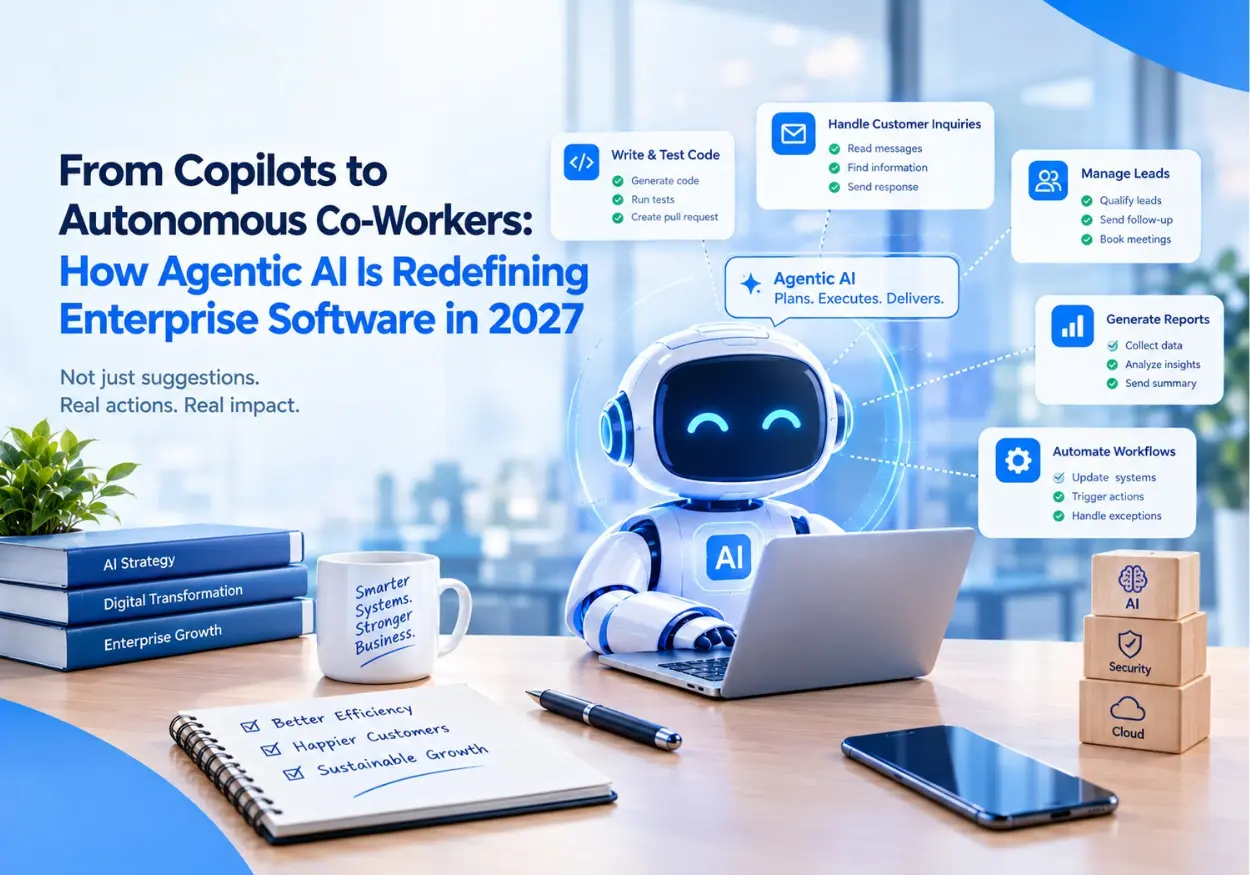
From Copilots to Autonomous Co-Workers: How Agentic AI Is Redefining Enterprise Software in 2027

Top 20 Technology Trends in 2027 That Will Shape the Future of Business